Understanding Invoice Processing Software
What Is Invoice Processing Software?
Invoice processing software is a technological solution designed to automate and streamline the handling of invoices. From capturing invoice data to managing approvals, this software plays a critical role in reducing the manual effort involved in traditional invoicing methods. Companies often adopt such solutions to enhance accuracy, boost productivity, and improve overall financial management by optimizing the workflow associated with invoices.
Key Features of Invoice Processing Software
Understanding the key features of invoice processing software is essential for selecting the right solution for your business. These features typically include:
- Data Capture: Utilizes Optical Character Recognition (OCR) technology to automatically extract data from physical invoices.
- Automated Workflows: Streamlines the approval process, routing invoices through predefined workflows based on established business rules.
- Integration Capabilities: Offers compatibility with existing systems such as ERP, accounting, and payment platforms, ensuring a seamless exchange of information.
- Real-time Tracking: Provides visibility into each stage of the invoice processing cycle, enabling better cash flow management and decision-making.
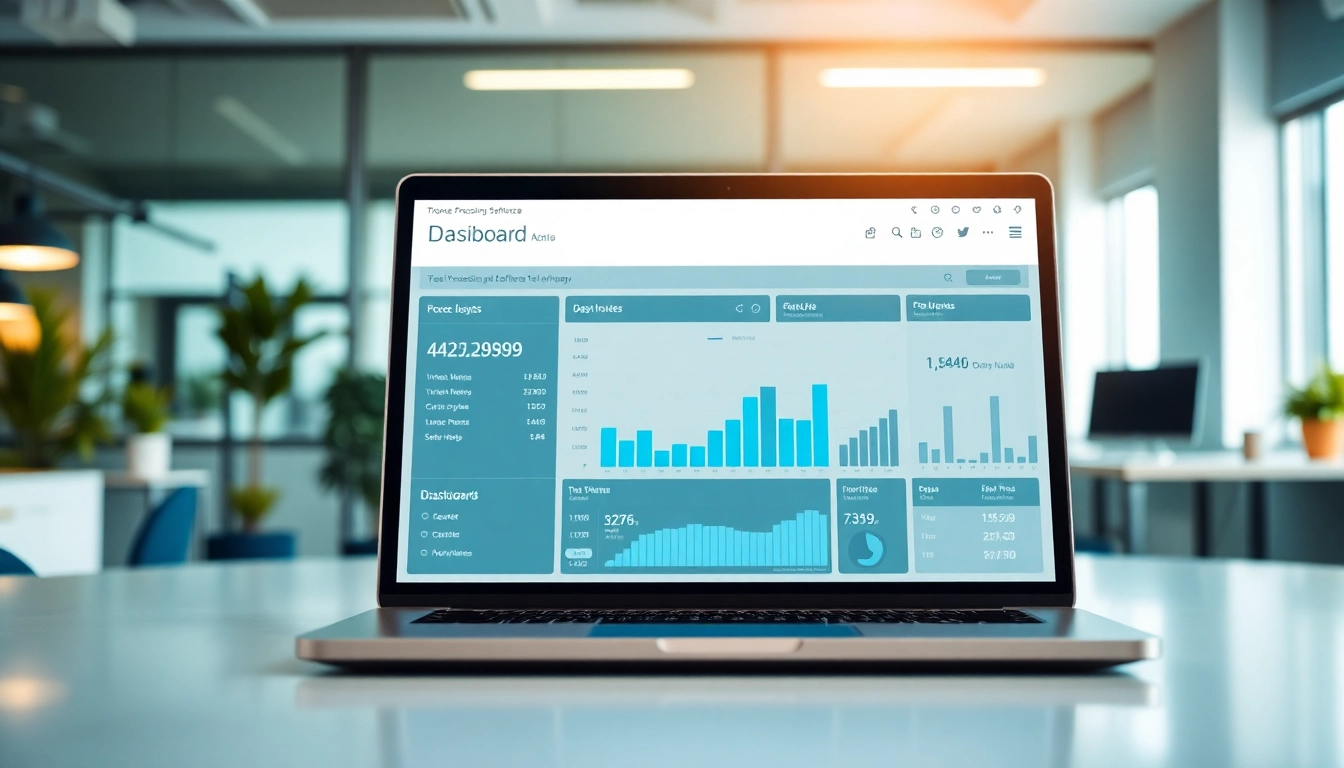
- Reporting and Analytics: Generates valuable insights through data analysis, allowing businesses to assess performance metrics and optimize processes.
Benefits of Implementing Invoice Processing Software
The implementation of invoice processing software offers numerous benefits, which can significantly transform the operational efficiency of a business. These benefits include:
- Increased Efficiency: Automating time-consuming manual tasks speeds up the entire invoicing process.
- Reduced Errors: Automation minimizes the risks of human error, ensuring higher accuracy in data entry and financial reporting.
- Cost Savings: By streamlining the workflow, businesses are able to reduce costs associated with manual processing and errors.
- Improved Compliance: Enhanced tracking and data retention aids in maintaining compliance with regulations and policies.
- Enhanced Cash Flow: Accelerated invoice processing leads to faster payment cycles, improving cash flow.
Choosing the Right Invoice Processing Software
Assessing Business Needs for Invoice Processing Software
Before selecting an invoice processing software solution, it’s crucial to assess your business needs. Consider factors such as the volume of invoices processed, the complexity of your approval workflows, budget constraints, and how well the software integrates with existing systems. Performing a thorough requirement analysis helps in narrowing down choices that align with your operational goals.
Evaluating Different Invoice Processing Software Options
When evaluating different options, examine the features offered by each software, customer reviews, vendor support, and pricing structure. Pay attention to case studies or testimonials that demonstrate the software’s effectiveness in real-world scenarios, using them to make informed comparisons. Demonstrations or trial versions can also provide insight into usability and functionality.
Cost Considerations for Invoice Processing Software
Cost is a significant factor when selecting invoice processing software. Typically, these costs can vary based on the complexity of features, scalability, and deployment model (cloud vs. on-premise). It’s crucial to consider both upfront costs and ongoing operational expenses, including training and support. Calculating total cost of ownership (TCO) will give you a clearer picture of your investment.
Implementation Insights for Invoice Processing Software
Steps to Implement Invoice Processing Software
Implementing invoice processing software involves several key steps:
- Planning: Define the objectives, scope, and timeline of the implementation project.
- Data Migration: Transfer existing invoice data to the new system, ensuring data integrity and accuracy.
- Configuration: Customize software settings according to business needs and workflow requirements.
- Testing: Conduct thorough testing to identify and resolve any issues before full deployment.
- Launch: Roll out the software organization-wide, making sure to monitor the process closely during the initial phases.
Best Practices During Software Transition
During the transition to new software, following best practices can mitigate risks:
- Engage Stakeholders: Involve key personnel from different departments to gain diverse insights and foster support.
- Provide Comprehensive Training: Ensure end-users understand how to utilize the software effectively by offering adequate training resources.
- Monitor Progress: Regularly check the implementation progress and be open to adjusting strategies based on real-time feedback.
Training Staff for Effective Use of Invoice Processing Software
Comprehensive training plays a critical role in the successful adoption of the software. Effective training should be tailored according to different user roles and emphasize practical use cases through hands-on exercises. Providing ongoing support for questions and issues that arise will further enhance user proficiency and confidence.
Measuring Success with Invoice Processing Software
Key Performance Indicators (KPIs) for Invoice Processing Software
To measure the success of your invoice processing software, consider establishing Key Performance Indicators (KPIs) that align with your business objectives. Common KPIs may include:
- Invoice Cycle Time: The average duration from invoice receipt to payment.
- Error Rate: Tracking discrepancies in invoice processing to gauge accuracy.
- Cost per Invoice: The total expense incurred in processing each invoice.
- Approval Time: The average time taken for invoice approval.
Feedback and Continuous Improvement with Invoice Processing Software
Implementing a feedback loop is essential for continuous improvement. Regularly solicit feedback from users and stakeholders to identify pain points and areas for enhancement. Use this information to adjust workflows, provide additional training, and further optimize software usage.
Case Studies: Success Stories of Invoice Processing Software
Documenting case studies that highlight the successful implementation and usage of invoice processing software within your organization can provide valuable insights. Focus on metrics achieved post-implementation, such as improved efficiency, reduced costs, and overall impact on business operations.
Common Challenges and Solutions for Invoice Processing Software
Addressing Common User Complaints
User complaints can range from software usability issues to integration challenges. It’s crucial to maintain an open line of communication for users to voice their concerns. Solutions may involve customizing user interfaces, enhancing training, or improving integration processes to alleviate such issues.
Integrating Invoice Processing Software with Existing Systems
Integrating new invoice processing software with existing ERP or accounting systems can be complex. To minimize disruption, involve IT at the outset and leverage APIs for smoother data exchange. Moreover, thorough testing is vital to ensure that newly connected systems operate as expected.
Seeking Support and Resources for Invoice Processing Software
In the event of technical issues or user concerns, don’t hesitate to reach out to the software provider for support. Many vendors offer comprehensive documentation, user forums, and dedicated support teams to assist users throughout their journey with the software.
Frequently Asked Questions (FAQs)
What is invoice processing software?
Invoice processing software automates the capture, approval, and payment of invoices, streamlining financial workflows and enhancing accuracy.
How does invoice processing software improve accuracy?
By using technologies like OCR, it reduces manual data entry errors, ensuring accurate data capture and timely payments.
Can invoice processing software integrate with other systems?
Most invoice processing software offers integration capabilities with ERP and accounting platforms, ensuring a smooth flow of data.
What are the main benefits of using invoice processing software?
Benefits include increased efficiency, reduced errors, cost savings, improved compliance, and enhanced cash flow management.
How do I choose the right invoice processing software?
Assess your business needs, evaluate software options based on key features, and consider cost implications before making a selection.
For businesses looking to enhance efficiency in managing financial processes, implementing invoice processing software can be a game-changer, ultimately leading to improved productivity and profitability.