
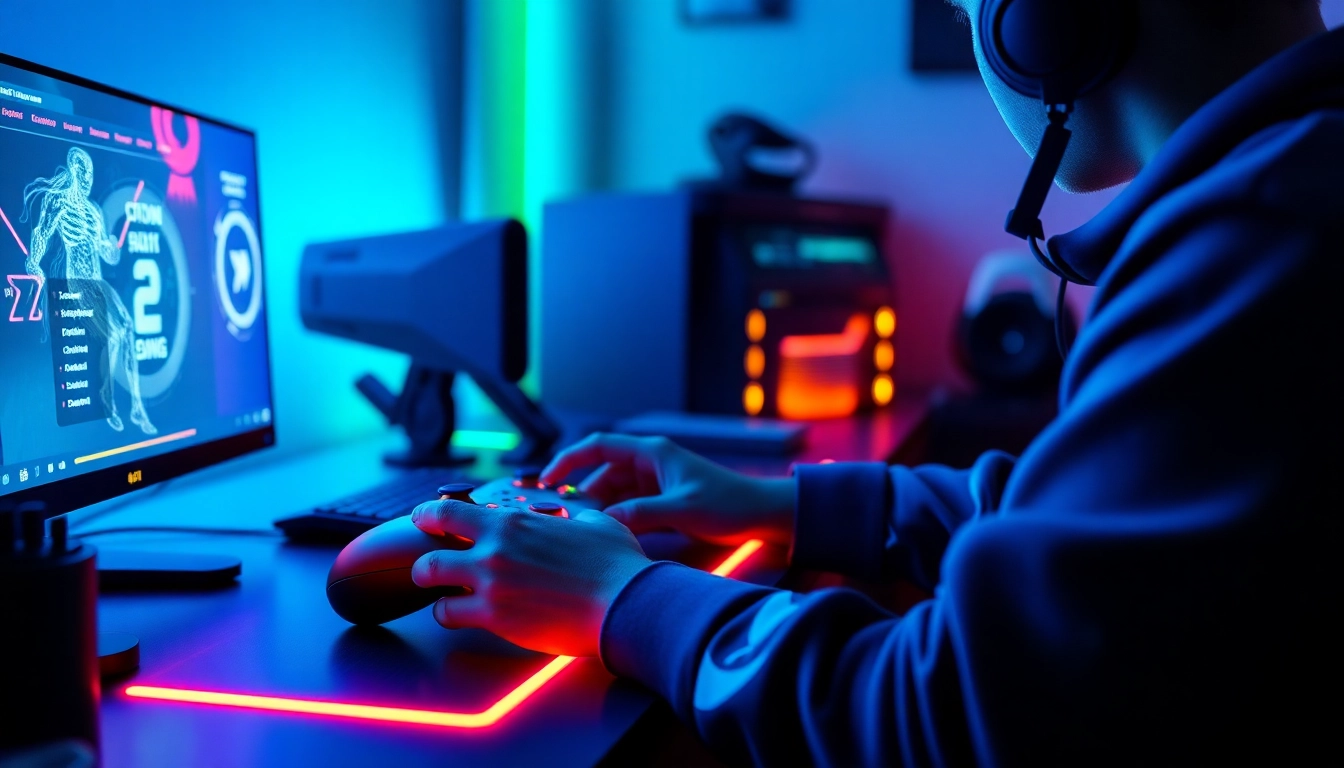
Understanding the Basics of Cronus zen
What is Cronus zen and How Does It Work?
Cronus zen is a powerful gaming device that revolutionizes how players interact with their gaming systems. By allowing the use of customized scripts and configurations, it enables gamers to enhance their gameplay experience across various platforms such as PlayStation, Xbox, and PC. Essentially, the device bridges the gap between different consoles and provides players with unprecedented control over their game settings. With Cronus zen, players can implement mods, utilize macros, and adjust sensitivity settings to gain a competitive edge. It works by intercepting controller signals and modifying them in real-time, translating your commands into optimized actions for your games.
Key Features of Cronus zen
Cronus zen boasts a range of features that cater to gamers seeking both customization and performance enhancement:
- Universal Compatibility: It supports a wide array of gaming consoles and PCs, allowing seamless transitions across platforms.
- Custom Scripts: Users can create and share scripts designed to automate complex actions, significantly improving reaction times in competitive scenarios.
- Smart Mapping: This feature allows players to remap their buttons and triggers easily, adjusting to personal play styles and preferences.
- GamePacks: Pre-configured settings for popular games like Fortnite and Call of Duty can be uploaded, offering immediate enhancements without need for coding.
- Cross-Platform Play: It enables gamers to use different controllers on various systems, promoting versatility in gameplay.
Getting Started with Cronus zen Setup
To get started with Cronus zen, first, ensure that your device is properly updated. Visit the official Cronus website for firmware updates and installation guides. Once updated, connect your Cronus zen to your console or PC using the provided cables. You will need to install the Cronus Pro software, which serves as your control center for creating custom scripts, modifying game packs, and managing settings. The intuitive interface of the software makes it easier for users to navigate through features, whether they are beginners or advanced users.
Optimizing Your Cronus zen Experience
Customizing Your Cronus zen Settings
Customization is at the heart of Cronus zen’s appeal. Begin by accessing the Cronus Pro software, where you can tweak sensitivity settings, remap buttons, and create profiles based on different games. For competitive play, consider creating multiple profiles that you can switch between quickly depending on the game mode. The more tailored your settings are to your personal style, the more significant the competitive advantage you can achieve.
Connecting Cronus zen to Different Platforms
Connecting your Kronus zen to various platforms is straightforward. For PlayStation and Xbox, connect the device directly via USB. For PC users, it can operate via wire or Bluetooth. Ensure the correct driver is installed for flawless compatibility. Switching between devices can be done effortlessly, allowing users to maintain their custom settings regardless of the platform. This capability not only enhances convenience but also ensures that players remain competitive across all their preferred gaming environments.
Essential Accessories for Enhanced Performance
To get the most out of your Cronus zen, certain accessories can significantly boost performance. A high-quality gaming headset enhances communication during team games, while a macro-enabled keyboard can complement your Cronus zen setup, allowing for faster reactions. Additionally, investing in high-speed cables can reduce latency, thus improving the responsiveness of your commands. A comfortable gaming chair and a large mouse pad are also recommended, as these can improve overall gaming posture and experience.
Advanced Techniques with Cronus zen
Using Scripts and Mods on Cronus zen
One of the standout features of Cronus zen is its ability to utilize scripts and mods. Scripts are essentially pre-programmed sequences of actions, which can automate complex movements or combos, giving players a leg up in fast-paced games. For instance, in first-person shooters, scripts can facilitate rapid-fire capabilities or auto-aim features. Users can either write their scripts or download those created by the community, providing access to a wealth of shared knowledge and techniques.
Best Practices for Competitive Play with Cronus zen
When utilizing Cronus zen in competitive environments, adhere to best practices to ensure fairness and quality gameplay. Always check the usage policies for your specific game or tournament, as script use may be prohibited in some competitive settings. Experiment with different configurations during practice matches before applying them to serious competitions. Additionally, understand the mechanics of your favorite games deeply, as knowing how to exploit the features of Cronus zen effectively can make all the difference in critical gameplay moments.
Analyzing Your Gameplay with Cronus zen Metrics
Cronus zen provides the capability to track gameplay metrics, which is invaluable for improvement. By analyzing metrics such as reaction times and accuracy, players can identify areas that require enhancement. Use this data to inform your practice sessions and refine your strategies. Additionally, sharing metrics with teammates can foster collective improvement and foster team development dynamics conducive to higher levels of success during tournaments.
Troubleshooting Common Issues with Cronus zen
Identifying Connection Problems
Connection issues can be frustrating, but Cronus zen provides solutions to troubleshoot these problems. First, ensure that all cables are securely connected. Check the USB ports on your console or PC for any damage. Restarting the device can also resolve temporary connectivity issues. If problems persist, consider reinstalling the Cronus Pro software or checking for firmware updates that may address connectivity bugs or issues.
Resolving Performance Lag
Performance lag can detract from the gaming experience. To mitigate lag, ensure that your Cronus zen firmware is updated. Additionally, consider the distance between your device and the console or PC, as this can affect performance. Reducing the number of peripherals connected and ensuring a stable internet connection can also minimize lag. Testing different settings can help identify configurations that best optimize your control responsiveness during gameplay.
Updating Firmware on Cronus zen
Regular firmware updates are essential to maintain optimal performance and compatibility with new games or platforms. To update your Cronus zen firmware, connect it to your PC and open the Cronus Pro software. The interface will notify you of available updates. Follow the prompts to install the updates, ensuring you do not disconnect the device during this process to avoid any potential firmware corruption.
Future Trends and Innovations in Cronus zen
Predictions for Cronus zen Developments in 2026
As gaming technology evolves, so will the capabilities of Cronus zen. Predictions for 2026 suggest that further integration with advanced AI technologies could lead to enhanced gameplay features. This could include smarter script systems that learn and adapt to player styles over time, making real-time suggestions for adjustments in gameplay strategies. Furthermore, an increase in compatibility with virtual reality systems and innovations in haptic feedback technology can present even more immersive gameplay experiences.
Integrating AI Technology with Cronus zen
The incorporation of artificial intelligence into Cronus zen poses exciting possibilities. Imagine an AI that analyzes your gameplay in real-time, offering suggestions to optimize your techniques based on performance metrics. Such advancements could redefine competitive gaming environments by personalizing experiences for each player, facilitating tailored strategies that enhance overall gameplay effectiveness.
How Community Feedback Shapes Cronus zen Updates
The Cronus zen community plays a pivotal role in shaping future updates and features. Developers frequently solicit feedback from users, which leads to improvements and enhancements that cater to the needs of the player base. Community forums are vibrant spaces where users share their experiences, scripts, and configurations, helping to create a collaborative atmosphere that fosters innovation and collective insight. Engaging actively in these communities can provide users with jumping-off points for new strategies and optimizations.
FAQs
What is the best Cronus zen configuration for first-timers?
Start with standard settings and gradually explore custom profiles tailored to your gaming preferences.
Can Cronus zen be used with all gaming consoles?
Yes, Cronus zen is compatible with various platforms including PlayStation, Xbox, and PC.
What’s the advantage of using Cronus zen in competitive gaming?
Cronus zen allows for customized controls and macros that can enhance gameplay efficiency and reaction times.
How often should I update my Cronus zen firmware?
It’s best to check for updates regularly, as new firmware can improve performance and compatibility.
Are there community resources for Cronus zen users?
Yes, there are numerous online forums and support groups dedicated to optimizing your Cronus zen experience.
For those looking to delve deeper into competitive strategies or explore new gameplay techniques, resources such as Best Fortnite script can be invaluable. These platforms foster a strong sense of community among Cronus zen users, ensuring everyone can explore the full potential of their gaming devices with ease.