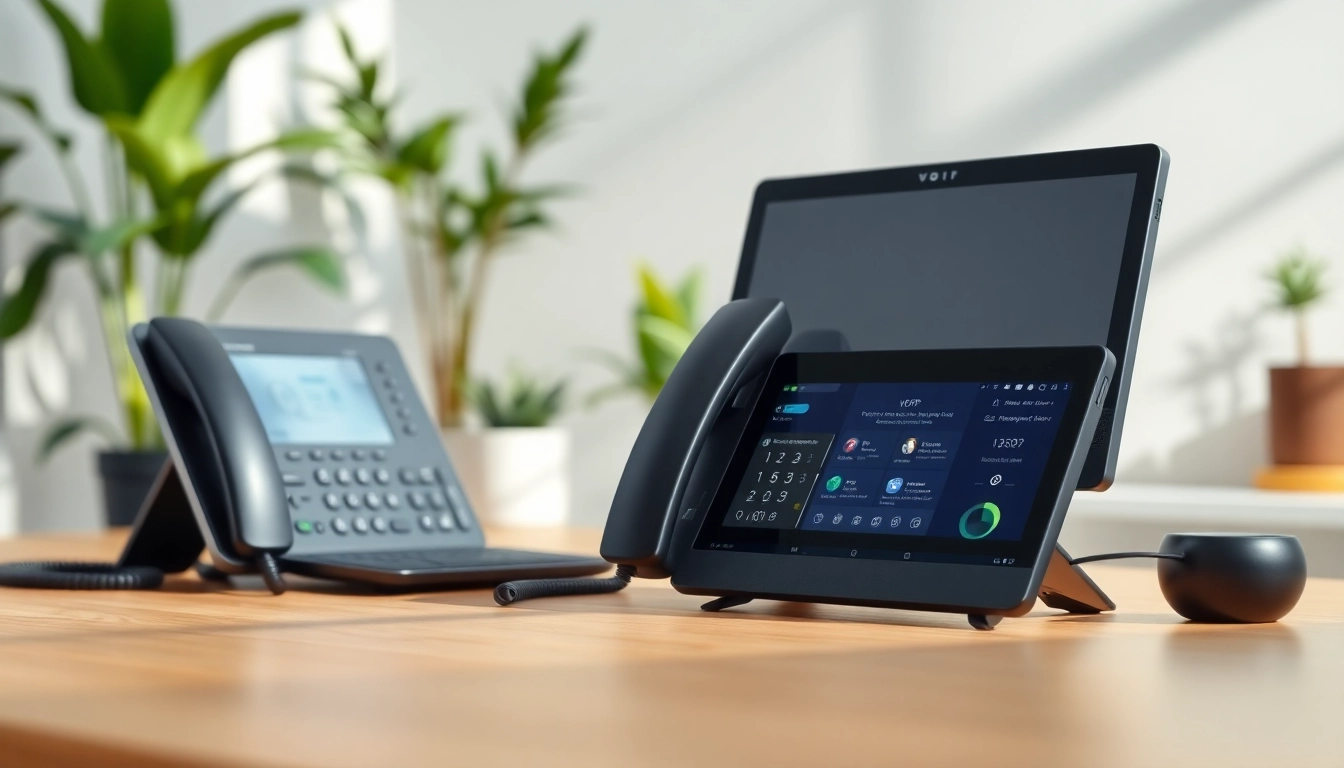
Understanding VOIP Technology
What is VOIP?
Voice over Internet Protocol, commonly known as voip, is a revolutionary technology that allows you to make voice calls using the internet instead of traditional phone lines. This innovation converts your voice into digital data packets, which are transmitted over the internet to the recipient. This digital transformation enables a variety of communication methods beyond simple voice calls, including video calls, messaging, and conference calls, all integrated into a single platform.
How VOIP Works
Understanding the mechanics of VOIP is crucial for maximizing its benefits. The process begins when your voice is captured by a microphone, which converts sound waves into digital signals. These signals are then compressed and transformed into data packets. VOIP systems take advantage of existing internet infrastructure; thus, the digital packets are transmitted over the internet to the other party. At the receiving end, the process is reversed: data packets are converted back into sound waves, allowing for seamless communication.
To enhance the user experience, VOIP systems often utilize protocols such as SIP (Session Initiation Protocol) and RTP (Real-time Transport Protocol) to establish connections and manage call quality. Additionally, VOIP can support various devices, including IP phones, smartphones, and computers, allowing for flexibility in communication methods.
Benefits of Using VOIP
The advantages of transitioning from traditional telephony to voip are manifold:
- Cost Efficiency: VOIP typically offers lower call rates, especially for long-distance and international calls, compared to traditional phone services.
- Enhanced Features: VOIP systems come packed with features such as call forwarding, voicemail to email, and video conferencing, often at no additional cost.
- Flexibility: Users can make and receive calls anywhere there is an internet connection, making VOIP ideal for remote workers and travelers.
- Scalability: Businesses can easily scale up or down their VOIP services as needed, adding or removing lines without substantial investment.
- Integration Capabilities: Many VOIP solutions can be integrated with existing business applications like CRM systems, enhancing productivity.
Setting Up Your VOIP System
Essential Equipment for VOIP
To set up a VOIP system at home, certain equipment is required:
- Internet Connection: A reliable high-speed internet connection is crucial for optimal VOIP performance. Look for a broadband connection that can support multiple users.
- Router: An internet router configured for VOIP traffic ensures calls maintain high quality and minimizes latency.
- VOIP Adapter: If you plan to use traditional phones, you may need a VOIP adapter to connect those phones to the internet.
- IP Phones: These are specially designed to work with VOIP networks; they offer features that standard phone systems cannot.
- Headsets and Microphones: For computer-based VOIP setups, good-quality headsets or microphones can enhance sound clarity for calls.
Choosing the Right VOIP Provider
Selecting the right VOIP provider is a critical step in ensuring a smooth communication experience. Here are a few factors to consider:
- Feature Set: Assess the features offered by potential providers and see if they align with your needs. Features like video conferencing, team messaging, and call analytics may be essential for some users.
- Cost Structure: Review pricing models carefully. Some providers charge per user, while others may have flat rates or unlimited plans. Consider your usage pattern to find the most cost-effective solution.
- Customer Support: Reliable customer service is pivotal, especially if you encounter technical issues. Look for providers with robust support channels.
- User Reviews: Researching user experiences can provide insight into the reliability and quality of service of VOIP providers.
- Trial Periods: Many providers offer trial periods. This can be an excellent way to test features and assess the service before making long-term commitments.
Installation and Configuration Steps
Once you have your equipment and chosen a provider, setting up your VOIP system is next. Follow these steps for a successful installation:
- Connect the Hardware: Connect your VOIP adapter or IP phones to your router and plug them into a power source. Make sure all connections are secured.
- Configure Network Settings: Log into your router's settings and prioritize VOIP traffic if your router allows for Quality of Service (QoS) settings. This prioritization can enhance call quality significantly.
- Sign Up with Your Provider: Create an account with your chosen VOIP provider and follow their setup instructions, which usually involve entering account details into your VOIP equipment.
- Test Your Connection: After configuration, make test calls to assess call quality. Adjust settings as needed based on performance.
- Explore Features: Familiarize yourself with the additional features provided by your VOIP service, optimizing your usage day-to-day.
Exploring Advanced VOIP Features
Call Forwarding and Voicemail Options
One of the standout features of voip systems is the ability to forward calls and manage voicemail seamlessly. Here's how these features enhance communication:
- Call Forwarding: Users can direct incoming calls to different numbers based on their preferences. Whether you're out of the office or just at another location, you can receive calls where you want.
- Voicemail to Email: Modern VOIP solutions allow voicemails to be sent directly to your email inbox as audio files or texts, offering convenient access and management of messages.
- Unified Messaging: All forms of communication—including calls, voicemails, and texts—can be accessed from a single platform, streamlining workflows.
Video Conferencing Capabilities
Video conferencing has become vital in personal and business communication, especially in the era of remote work. VOIP technology enables high-quality video calls with multiple participants. Key aspects include:
- Screen Sharing: Many VOIP systems allow users to share their screens during video calls, which is invaluable for presentations and collaborative work.
- Group Calls: Connect with multiple users simultaneously, making remote team meetings more interactive and effective.
- Cross-Device Compatibility: Users can join video calls from different devices, including computers, tablets, and smartphones, promoting flexibility.
Integrations with Other Tools
Modern voip solutions can seamlessly integrate with various business tools. Some important integrations include:
- CRM Systems: VOIP can be integrated with customer relationship management software, allowing for improved customer interaction tracking and analytics.
- Helpdesk Tools: Integrating VOIP with helpdesk platforms can streamline support communications, letting agents access calls and ticket information in one place.
- Productivity Tools: Applications such as project management tools can incorporate VOIP systems, allowing users to communicate effortlessly while managing tasks.
Common VOIP Issues and Solutions
Troubleshooting Call Quality Problems
While VOIP provides many advantages, users may occasionally experience call quality issues. Common problems include dropped calls and poor audio clarity. Solutions include:
- Quality of Service (QoS) Settings: Adjust the QoS settings on your router to give priority to VOIP traffic, which can greatly improve call quality.
- Bandwidth Check: Ensure you have sufficient bandwidth, particularly if multiple devices are using the internet simultaneously. A higher bandwidth plan is often required for homes with multiple users.
- Wired Connection: If possible, connect your VOIP device directly to the router with an Ethernet cable to reduce latency and improve stability.
Addressing Connectivity Issues
Connectivity issues can heavily impact your VOIP experience. Common challenges include signal drops and latency. Consider these solutions:
- Router Placement: Ensure that your router is placed in a central location, free from obstructions, to maximize signal strength throughout your home.
- Network Congestion: Identify and limit bandwidth-heavy applications during important calls. Applications such as streaming services can consume significant bandwidth and affect call quality.
- Regular Updates: Keep your router's firmware updated regularly to improve stability and close security vulnerabilities.
Maintaining Privacy and Security
As with any internet-based service, security is a primary concern for VOIP users. Protecting your calls and personal information is essential. To ensure security:
- Use Strong Passwords: Secure your VOIP account with strong, unique passwords, and consider changing them regularly.
- Enable Encryption: Look for VOIP providers that offer encryption for calls, which protects your voice data from potential eavesdroppers.
- Regularly Monitor Activity: Regularly check call logs and usage reports to detect any unauthorized access or unusual activity.
Evaluating VOIP Performance
Monitoring Your VOIP Usage
Monitoring your VOIP system usage provides valuable insights into performance and potential issues. Regular monitoring can help identify patterns and challenges:
- Call Quality Reports: Many VOIP providers offer analytics that detail call quality, including metrics like jitter, packet loss, and latency. Monitoring these can pinpoint issues affecting your experience.
- Usage Statistics: Track your call volume and patterns. Understanding your usage can help in optimizing settings and identifying the best times for making calls.
- Incorporate Feedback: Encourage feedback from users within your network to understand their experiences and identify potential areas for improvement.
Key Performance Metrics to Track
To get the most out of your VOIP service, it’s essential to track performance metrics closely:
- Latency: This refers to the delay between sending and receiving audio. Lower latency leads to more natural conversations.
- Packet Loss: This occurs when data packets fail to reach their destination. Keeping packet loss below a specific threshold is crucial for good voice quality.
- Jitter: A measure of variability in packet arrival times, jitter should be minimized for a consistent voice experience. VoIP quality tends to degrade significantly due to high jitter.
Improving Overall VOIP Experience
As you evaluate your VOIP system, consider ways to enhance the experience for you and your users:
- Upgrade Your Internet Connection: If call quality is consistently poor, consider upgrading to a high-speed fiber optic connection for better reliability.
- Advanced Equipment: Invest in high-quality VOIP phones or conference speakerphone systems for superior audio clarity.
- Regular Training: Provide users with training on VOIP system features to maximize utilization and improve overall communication efficiency.