Understanding the Image to Image Process
What is Image to Image?
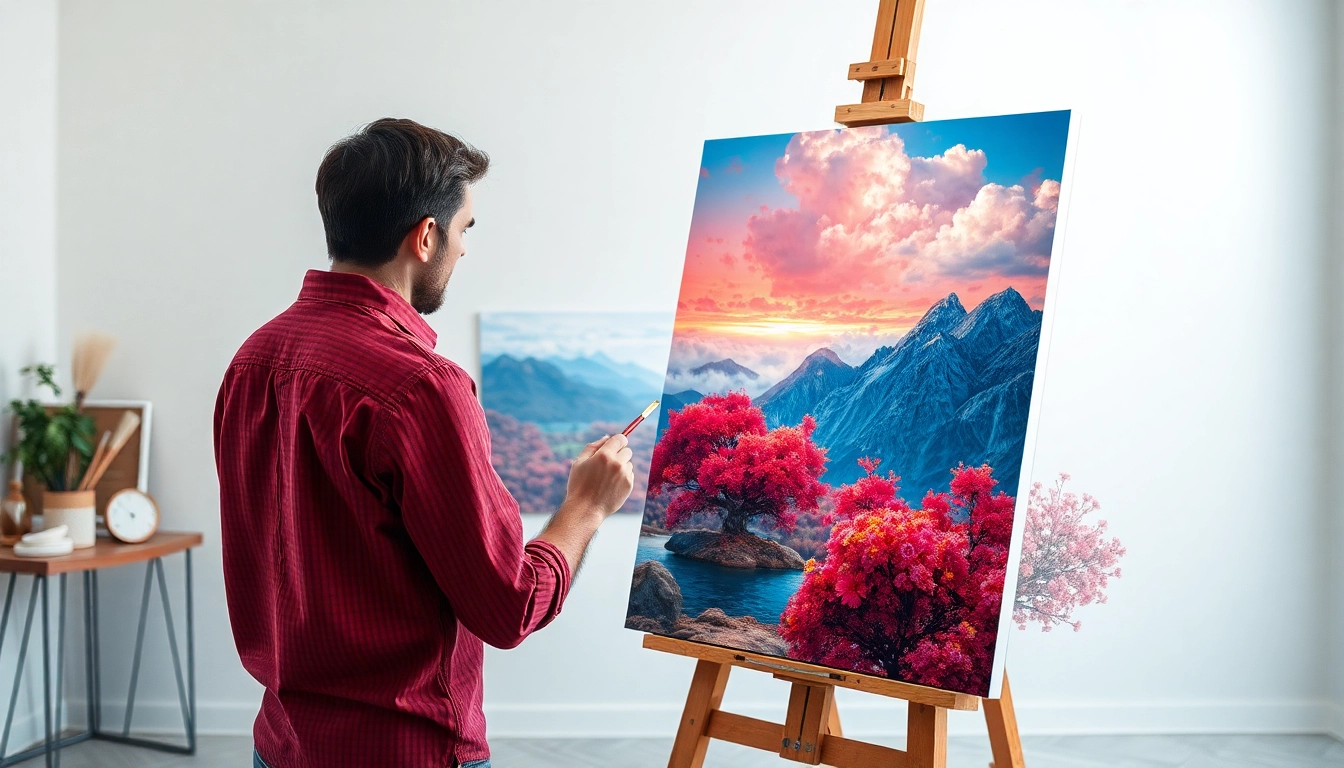
The image to image technique is a form of generative artificial intelligence that transforms one image into another by applying various styles, effects, or alterations. This method typically uses an existing image as a foundation, allowing users to manipulate and modify these images through algorithms trained on vast datasets. The outcome is a new visual interpretation that can preserve essential features while infusing creative variations. By leveraging sophisticated tools, artists, designers, and enthusiasts can create unique outputs that enhance digital storytelling and visual aesthetics.
Key Benefits of Image to Image Techniques
Image to image techniques come with a host of advantages that make them indispensable in digital media creation:
- Creativity Enhancement: Artists can explore new visuals while maintaining a connection to the original image.
- Time Efficiency: Rapidly generate creative variations, substantially reducing the time spent on manual editing.
- Accessibility: User-friendly online platforms make advanced image modifications accessible to those without extensive graphic design experience.
- Consistency in Branding: Maintain brand identity while allowing for creative variations tailored to different campaigns or medium adaptations.
- Versatility: Wide-ranging applications in fields like advertising, gaming, fashion, and more, supporting diverse visual storytelling needs.
Common Applications in Various Industries
Image to image technology is transforming various industries:
- Advertising: Marketers utilize image alterations to create compelling visuals for campaigns that resonate with target audiences.
- Fashion: Designers can envision clothing or accessories in different styles and contexts, aiding in trend forecasting and presentation.
- Gaming: Game developers can repurpose assets, modifying them to fit different environments or character designs.
- Film and Animation: Filmmakers can create concept art or storyboards that visualize scenes and characters in diverse styles.
- Art Therapy: Therapists are embracing image transformations to help clients explore emotions and creativity in a therapeutic setting.
Essential Tools for Effective Image to Image Creation
Software and Platforms for Image to Image Generation
A variety of software and online platforms facilitate image to image transformations. These tools vary by functionality, complexity, and cost, appealing to different user needs:
- Photoshop: A robust editing tool that integrates various plugins and scripts for generating images from existing files.
- AI-powered Generators: Tools such as DALL-E and Midjourney allow users to input images and apply innovative styles, often with minimal input.
- Mobile Applications: Many smartphone apps simplify image transformations, ideal for users seeking quick and accessible editing options.
- Online Platforms: Websites dedicated to image to image transformations offer users a chance to experiment without needing software installations.
Hardware Requirements for High-Quality Results
To achieve optimal results when using image to image techniques, consider the following hardware requirements:
- Graphics Processing Unit (GPU): A powerful GPU is crucial for processing algorithm-intensive tasks efficiently, particularly for real-time alterations.
- High RAM Capacity: More RAM allows for handling larger files and enabling smoother operation when multiple tasks are executed simultaneously.
- Storage Space: Ample storage is necessary to accommodate high-resolution images and the software tools required for processing.
- Monitor Quality: A high-definition monitor ensures that users can accurately assess colors and details in their transformed images.
Choosing the Right Tools for Your Needs
When selecting the right tools for image to image transformations, consider factors such as:
- User Experience: Platforms that offer intuitive interfaces can shorten the learning curve for beginners.
- Collaboration Features: For teams, choose tools that facilitate sharing and collaboration on image edits.
- Output Quality: Ensure selected tools produce high-quality images suitable for various applications.
- Cost: Evaluate if the pricing aligns with your budget, considering free options versus premium features.
Step-by-Step Guide to Creating Stunning Image to Image Transformations
Preparing Your Initial Images for Transformation
Proper preparation of initial images is vital for successful transformations. Here are key steps:
- Choose High-Quality Images: Start with clear, high-resolution images to ensure crisp, detailed outputs.
- Determine Purpose: Define the intended use of the final image to align your transformations accordingly.
- Image Format: Select the appropriate file formats (JPEG, PNG, etc.) based on the intended application of the image.
- Consider Audience: Tailor images to your target audience's preferences to enhance engagement with the final visuals.
Applying Effects and Filters
Once your images are prepared, applying effects is the next crucial step. Consider the following:
- Filter Selection: Experiment with different filters to find the one that best complements your image transformation.
- Layering Techniques: Using multiple layers allows for nuanced modifications, enabling greater creative control.
- Adjusting Settings: Tailor parameters such as brightness, contrast, and saturation to achieve desired visual characteristics.
- Real-Time Preview: Take advantage of tools offering real-time feedback to visualize changes as you make them.
Finalizing Your Image to Image Creations
Finalizing your images involves meticulous attention to detail:
- Quality Assessment: Scrutinize the final image for clarity, alignment, and consistency with your vision.
- Export Settings: Choose the right export settings according to the platform where you intend to use the image.
- Backups: Save multiple versions of your images to protect against accidental losses of previous iterations.
- Feedback Loop: Solicit feedback from peers to gain insights and suggestions for improvements.
Best Practices for Enhancing Image to Image Outputs
Tips for Achieving Realistic Results
To achieve lifelike results when using image to image techniques, consider the following tips:
- Study Real-Life References: Analyzing real-world objects can help ensure accuracy in transformations.
- Apply Gradients and Shadows: Depth and dimension can be added through thoughtful shadowing and gradients.
- Consistent Lighting: Ensure that lighting is uniform across the original and transformed images for realism.
- Seek Inspiration: Draw from industry examples in art and design to inform choices in your transformations.
Common Mistakes to Avoid
Here are common pitfalls in image to image techniques and how to avoid them:
- Over-Editing: Excessive modifications can detract from the original image's impact; aim for subtle changes.
- Ignoring Composition: Maintain an eye for composition; poor framing can undermine the visual appeal.
- Neglecting Resolutions: Low-resolution images may result in pixelation in transformations; always start high.
- Skipping Experimentation: Lacking experimentation can stifle creativity; allow yourself to explore freely.
Iterative Improvement Techniques
Enhancing your image transformation skills involves constant refinement:
- Regular Practice: Consistent practice leads to improved proficiency and confidence in using various tools.
- Analyze Feedback: Constructive criticism from peers can highlight areas needing improvement.
- Stay Updated: Engage with the latest trends in technology and design to keep skills relevant.
- Document Iterations: Keep track of changes made to analyze what worked best across different outcomes.
Future Trends in Image to Image Technology
Emerging Techniques and Innovations
The field of image to image generation is evolving rapidly, and new trends are shaping its future:
- Integration with Virtual Reality: Combining image transformations with VR technology can create immersive experiences in digital storytelling.
- Real-time Generation: Advancements in computing power will enable real-time image alterations in live environments.
- Personalized Content Generation: Machine learning will allow for more personalized and context-aware images for individual users.
- Augmented Reality Applications: Image transformations will play a crucial role in enhancing AR experiences in retail and design.
Predictions for the Future of Visual Creation
Several predictions can be made about the future direction of image to image technology:
- Democratization of Creativity: Tools will become increasingly accessible, allowing anyone to create professional-grade visuals.
- AI Governance: Ethical considerations will shape how AI-generated images are created and utilized in various fields.
- Customization and Adaptability: Future tools will offer high levels of customization to cater to diverse user needs and styles.
- Increased Collaboration: Cross-disciplinary collaborations between artists and technologists will yield innovative applications and tools.
How to Stay Ahead in the Image to Image Landscape
To maintain a competitive edge in image to image technology:
- Continuous Learning: Invest time in education and training to learn about new tools and techniques.
- Community Engagement: Join platforms to collaborate and exchange knowledge with other creatives.
- Portfolio Development: Regularly update your portfolio to showcase your latest and best image transformation works.
- Feedback Utilization: Make it a habit to seek feedback and iterate to ensure continued improvement.
Frequently Asked Questions
What is the primary benefit of image to image techniques?
The main advantage is enhancing creativity while speeding up the editing process, allowing for innovative visual interpretations from existing images.
Are there free tools available for image to image transformations?
Yes, numerous online platforms offer free basic tools for transforming images, allowing users to experiment without significant investment.
Do I need advanced skills to use image to image generators?
No, many image to image generators are user-friendly, designed for all skill levels, making them accessible to beginners.
Can image to image technologies create realistic outputs?
Yes, with the right adjustments, image to image generators can produce astonishingly realistic images, provided you use high-quality input images.
How can I ensure high quality in my image transformations?
Use high-resolution images, carefully select effects, pay attention to lighting and composition, and apply adjustments to enhance final outputs.