Understanding Laser Cutting Designs
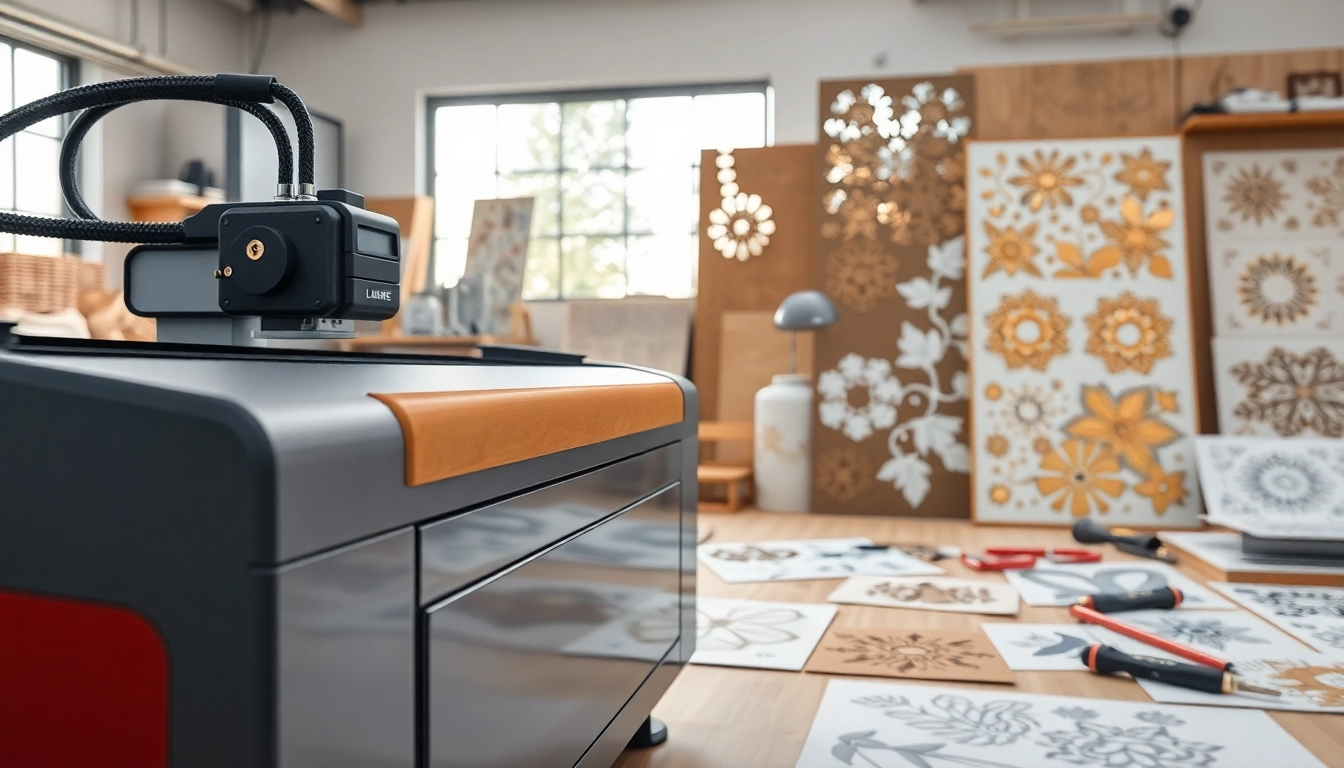
Laser cutting designs have revolutionized the world of craftsmanship, enabling creators to produce intricate shapes and patterns with unmatched precision. This technology utilizes focused laser beams to cut or etch materials, allowing for rapid prototyping and production across various industries. As you delve deeper into the fascinating world of laser cutting, you'll discover its myriad applications and the essential considerations for crafting effective designs. For detailed insights into various laser cutting designs, this guide offers a comprehensive exploration.
Basics of Laser Cutting Technology
At its core, laser cutting technology relies on the principle of directing a high-powered laser beam onto a material surface. The laser's heat energy melts, burns, or vaporizes the material, leaving a clean cut or engraved surface. There are several key components in a typical laser cutting system:
- Laser Source: This generates the laser beam, often using CO2 or fiber lasers depending on the application and material.
- Optics: Focusing lenses concentrate the laser beam to achieve the desired intensity and precision.
- Motion System: This includes the software and hardware that controls the movement of the laser head over the material.
- Material Bed: The surface on which the material sits during the cutting process, which can often include a vacuum system to hold the material in place.
This technology can operate at varying speeds, with adjustments made based on the material type and thickness, ensuring efficient production with minimal waste.
Types of Laser Cutting Designs
Laser cutting designs can be broadly categorized based on their applications and intricacies:
- Vector Cutting: This involves creating precise outlines and shapes, often used in applications like signage and intricate art pieces.
- Raster Engraving: A method where the laser etches designs by scanning the surface, suitable for detailed illustrations or logos.
- 3D Laser Cutting: Advanced techniques that allow for cutting three-dimensional shapes, frequently utilized in jewelry design and custom parts manufacturing.
Each type of design caters to different industrial needs, with creativity being the only limit to what can be achieved with laser cutting.
Applications in Various Industries
Over the years, laser cutting has found applications in diverse sectors including:
- Manufacturing: Used for cutting components in machinery, automotive parts, and more, ensuring precision mass production.
- Fashion and Textiles: Laser cutting allows for intricate designs in clothing and accessories, offering unique personalization options.
- Architecture: The technology provides architects and builders the ability to create detailed models and custom installations.
- Arts and Crafts: Artists utilize laser cutting to fabricate complex art pieces, signage, and home decor items.
Each industry benefits from the precision, efficiency, and versatility that laser cutting designs bring to the table.
Key Considerations for Creating Laser Cutting Designs
Material Selection
The choice of material is crucial in the success of laser cutting projects. Common materials used include:
- Wood: Birch, plywood, and MDF are popular for crafting props, furniture, and art.
- Acrylic: Known for its clarity and flexibility, widely used for signage and decorative elements.
- Metals: Aluminum and stainless steel require specific laser settings but are ideal for durable, long-lasting designs.
- Fabrics: Cotton, polyester, and felt can be cut or engraved for custom clothing and home textiles.
Understanding how each material reacts to laser cutting is essential for achieving the desired outcome.
Design Software for Laser Cutting
To create effective laser cutting designs, a variety of software options are available:
- Adobe Illustrator: A popular choice for designers to create vector files that can easily be converted for laser cutting.
- CorelDRAW: Often used for designing graphics and layouts specifically for laser cutting applications.
- AutoCAD: Ideal for more technical designs, particularly in architecture and engineering.
- Inkscape: A free alternative that provides a robust toolset for vector graphics manipulation.
Selecting the right software tools aids in precision and enhances the efficiency of the design workflow.
Precision and Detail in Design
Precision is paramount in laser cutting designs. Here are some strategies to ensure your designs are crisp and accurate:
- Vector Lines: Use vector paths to define the cutting lines, as they provide exact coordinates for the laser.
- Check Dimensions: Always verify dimensions to avoid costly mistakes. Many machines can cut within a tolerance range, but tighter fits require exact measurements.
- Test Cuts: Perform test cuts on scrap material to fine-tune settings prior to the final project.
Maintaining a high level of detail and precision will ultimately enhance the quality of the finished product.
Common Challenges in Laser Cutting Designs
Dealing with Material Limitations
Each material comes with its unique challenges. For instance:
- Thickness Variability: Uneven thickness can lead to inconsistent cutting results. Ensure uniform material thickness for predictable outcomes.
- Burning and Charring: Some materials may burn more than others, affecting aesthetics. Adjust the power settings and speed to find a balance.
- Delicate Materials: Thin or fragile materials may warp or distort during the cutting process. Carefully control the cutting speed and power to minimize damage.
Being aware of these limitations aids designers in selecting the right materials for their projects.
Ensuring Design Accuracy
Achieving accuracy in laser cutting designs can be tricky but is manageable with diligence:
- Use Grids and Guides: Incorporate guides in your design files to align cuts accurately.
- Double-Check File Settings: Ensure that your design settings correspond to machine specifications for precision cutting.
- Use Quality Calibration Tools: Regularly calibrate machines for optimal performance to prevent discrepancies in design execution.
A meticulous approach can significantly minimize errors associated with design accuracy.
Handling Post-Cutting Processes
After laser cutting, several post-processing tasks may be necessary:
- Cleaning: Remove any residue or debris left from the cutting process to ensure a clean final product.
- Assembly: If your design includes multiple pieces, take care during assembly to maintain overall integrity.
- Finishing Touches: Depending on the material, you may want to sand edges, apply coatings, or paint items to enhance their appearance.
The right post-cutting techniques can elevate the quality and durability of the final product.
Best Practices for Effective Laser Cutting Designs
Incorporating User Feedback
Seeking feedback from users can refine your designs significantly. Gathering insights helps identify preferred styles and possible improvements:
- Participate in Focus Groups: Engage potential users to gather direct feedback on prototypes.
- Conduct Surveys: Use surveys to solicit opinions on specific features or designs between options.
- Test User Experience: Watch users interact with your designs to gain valuable insights into usability and aesthetics.
By incorporating such feedback, designers can create more appealing and functional products.
Optimizing for Machine Settings
Understanding and optimizing laser cutter settings can make a world of difference in project outcomes:
- Power Settings: Adjust the laser power based on the material thickness to achieve clean cuts without overburning.
- Speed Settings: Modify cutting speed to balance precision and efficiency, especially for intricate designs.
- Frequency and Pulse Rate: For certain materials and types of cuts, adjusting these settings can improve quality.
Consistent experimentation and adjusting machine settings will yield better results over time.
Testing and Iteration
Using a systematic approach to testing your designs can enhance quality:
- Prototype: Create initial prototypes to evaluate design viability and make necessary adjustments.
- Iterate Designs: Apply feedback from initial rounds to iterate designs until reaching a satisfactory outcome.
- Track Performance: Keep statistics on cuts, such as success rates and imperfections, to identify patterns needing attention.
This iterative process ensures continual improvement of designs over time.
Future Trends in Laser Cutting Designs
Advancements in Technology
The future of laser cutting looks promising with rapid technological advancements:
- Higher Power Lasers: Emerging technologies allow for lasers with more power, enabling cutting through thicker materials with ease.
- Automation: Integrating AI and machine learning for intelligent cutting systems that adapt based on design complexity.
- Greater Customization: Enhanced control systems enabling more intricate and personalized designs in rapid time.
As technology evolves, new possibilities for customers and manufacturers alike will emerge.
Eco-Friendly Materials
With the growing focus on sustainability, eco-friendly materials are gaining traction:
- Recycled Materials: Using reclaimed wood and plastics helps reduce waste and carbon footprint.
- Bio-Based Materials: Innovations in bioplastics that perform well in laser cutting provide alternative options.
- Sustainable Wood Sources: Sourcing wood from responsibly managed forests ensures environmental stewardship.
The integration of eco-friendly materials in laser cutting designs speaks to an increasing desire for sustainable practices in manufacturing.
Integration with Other Technologies
The intersection of laser cutting with other technologies opens new frontiers:
- 3D Printing: Combining laser cutting with 3D printing allows for more complex and multifunctional designs.
- Augmented Reality: AR tools can help visualize designs in situ, enhancing customer engagement and design accuracy.
- Smart Factory Systems: Integrating IoT capabilities facilitates real-time monitoring and augmented production efficiency.
Such integrations promise to revolutionize the efficiency and creativity of laser cutting designs.
FAQs
What materials can be used with laser cutting designs?
Most materials like wood, acrylic, metals, and fabrics can be used in laser cutting designs, though compatibility should be verified.
How intricate can laser cutting designs be?
Laser cutting designs can be highly intricate, allowing for detailed patterns and shapes based on the capabilities of the machine.
Do I need special software for laser cutting designs?
Yes, specific design software compatible with the laser cutter is needed to create precise and optimized designs.
How can I improve the precision of my laser cutting designs?
Ensuring proper machine calibration, experimenting with settings, and using high-quality materials can significantly enhance precision.
What are the safety precautions for laser cutting designs?
Wear safety goggles, maintain a clean workspace, and understand your equipment well to ensure safety during the laser cutting process.