
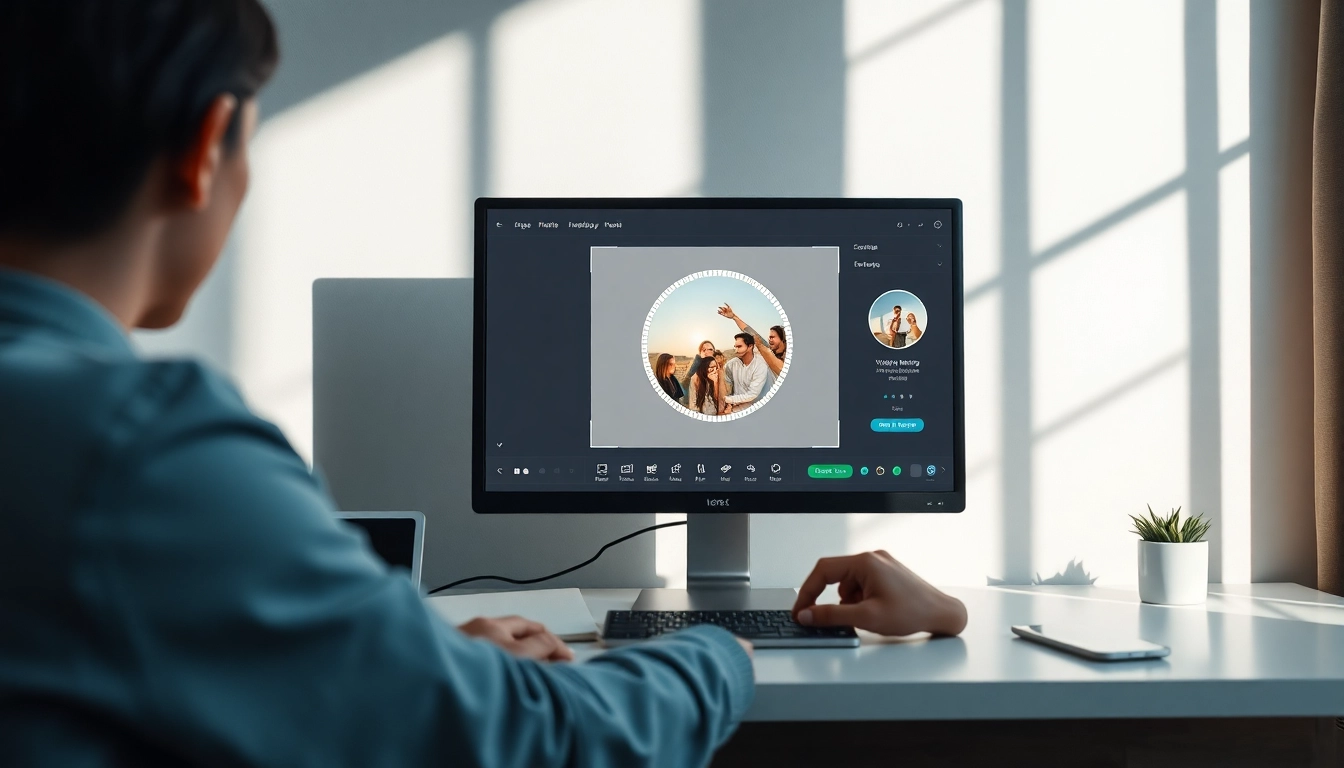
Understanding Circle Photo Cropping
In today's visually-driven world, the appeal of circular photos has surged, particularly for social media platforms. The unique shape not only catches the eye but also adds a contemporary vibe to any image. This article delves into the intricacies of cropping images into circles, providing insights on its benefits, techniques, and best practices. Whether you're a casual photographer or a professional looking to elevate your editing skills, understanding the nuances of circle photo cropping can transform how you present your visuals.
What is Circle Photo Cropping?
Circle photo cropping is the process of removing the parts of an image outside a circular shape, resulting in a round photo. This technique can be applied to various types of images, from portraits to landscapes. The circular crop not only alters the image's presentation but can also enhance the focus on the subject, ensuring that viewers' attention is directed precisely where you want it.
Benefits of Circular Images for Social Media
- Visual Appeal: Circular images stand out more on platforms like Instagram and Facebook, often leading to higher engagement rates.
- Branding: Companies frequently use circular logos, so aligning your images with this trend can enhance brand recognition.
- Profile Pictures: Many social media platforms favor circular profile images, making this cropping technique essential for personal branding.
When to Use Circular Crops vs. Traditional Shapes
Determining when to use circular crops over traditional rectangular or square crops depends on several factors, including the context of the image and its intended use. Circular crops are ideal for:
- Profile pictures where visuals need to be concise and eye-catching.
- Marketing materials that benefit from modern aesthetics.
- Personal projects, such as scrapbook pages or custom greeting cards, that aim to create a unique presentation.
How to Crop an Image into a Circle
Step-by-Step Guide to Circle Cropping
Cropping an image into a circle is a straightforward process with the right tools. Here's a simple guide to get you started:
- Select Your Image: Choose a high-resolution image to ensure quality is maintained post-cropping.
- Upload the Image: Use an online cropping tool or photo editing software that supports circle cropping.
- Choose the Crop Tool: Select the circular crop option, often represented as a round frame.
- Adjust the Frame: Resize and position the circular frame over the part of the image you wish to keep.
- Apply the Crop: Execute the crop, then save your image in the desired format.
Tools You Need for Quick and Easy Cropping
Numerous tools exist to assist with circle cropping, ranging from online platforms to mobile applications. Some popular choices include:
- Photo Editing Software: Professional tools like Adobe Photoshop offer advanced options for custom cropping.
- Online Crop Tools: Websites such as CropPhoto provide user-friendly interfaces for quick edits.
- Mobile Apps: Applications like Snapseed and Canva come with built-in cropping tools perfect for on-the-go edits.
Common Mistakes to Avoid When Cropping
While circle cropping is relatively simple, a few common mistakes can affect the outcome:
- Choosing Low-Quality Images: Always start with high-resolution images to avoid pixelation.
- Not Considering Composition: Ensure that the subject is centered within the circle for balanced visuals.
- Ignoring File Formats: Always save in a format that maintains quality, such as PNG or high-quality JPG.
Exploring Advanced Circle Cropping Techniques
Creating Circular Frames with Unique Designs
To make your circular photos even more engaging, consider incorporating unique frames or backgrounds. This can be done using photo editing tools that allow for layering and customization. For instance, you can combine a circular crop with floral designs, geometric shapes, or thematic patterns that complement your image.
Using Smart Crop Features for Optimal Composition
Many advanced editing tools offer smart crop features that automatically select the best part of an image for cropping. This can save time and ensure that you’re highlighting the most visually appealing aspects of your photo. Utilizing these features can significantly enhance the overall composition of your circular images.
Enhancing Circular Images with Effects and Filters
Once you have created a circular crop, the next step is to enhance it with filters and effects. Experimenting with color corrections, brightness, and contrast can make a significant difference in how your final image looks. Additionally, using artistic filters can add a unique touch, making your circular photos stand out even more.
Maintaining Quality in Circle Photo Edits
How to Crop Without Losing Image Quality
Maintaining image quality during the cropping process is crucial. Here are some tips to ensure that your circular crops retain their crispness:
- Use High-Resolution Images: Always start with images that have a high DPI (dots per inch).
- Save in the Right Format: Use lossless formats like PNG for edits that you plan to print or share at high quality.
- Preview Before Finalizing: Check how the cropped image looks at full size to spot any issues before saving.
Best File Formats for Circular Photos
Choosing the right file format for your circular photos can significantly affect their quality and usability:
- PNG: Ideal for images requiring transparency or high detail.
- JPEG: Suitable for general use and web sharing, but ensure that you save at a high quality to prevent loss of detail.
- GIF: Best for simple images or animations, but not recommended for high-resolution photos.
Resizing vs. Cropping: Which is Better for Quality?
While cropping focuses on removing unwanted areas of an image, resizing changes the dimensions of the entire image. Cropping typically preserves quality better than resizing, as it eliminates extraneous information rather than compressing what remains. Thus, for maintaining the integrity of your visuals, cropping is often the superior choice.
Future Trends in Circle Photography and Editing
Emerging Techniques for 2026 and Beyond
The future of photo editing is exciting, with several emerging trends expected to dominate the landscape:
- AI Integration: Artificial intelligence is set to revolutionize photography, with tools that can automatically enhance images based on content recognition.
- Augmented Reality: AR tools that allow for real-time cropping and editing will provide more interactive and engaging editing experiences.
- Seamless Editing Across Devices: The ability to edit images across platforms without losing quality will become increasingly important as mobile photography continues to grow.
Incorporating AR and VR in Photo Cropping Tools
As augmented reality (AR) and virtual reality (VR) continue to evolve, they will play an integral role in photo editing. Imagine being able to visualize how a circular crop would look in a real-world setting or using VR to enhance your editing skills through immersive tutorials. These technologies will not only make editing more intuitive but will also open new avenues for creativity.
Expert Predictions: The Evolution of Image Editing
As we look ahead, experts predict that photo editing will become more user-friendly, with tools that leverage machine learning to simplify complex processes. Additionally, the growing emphasis on community sharing will influence the designs and formats that users prefer, promising an exciting future for circular photo editing.