
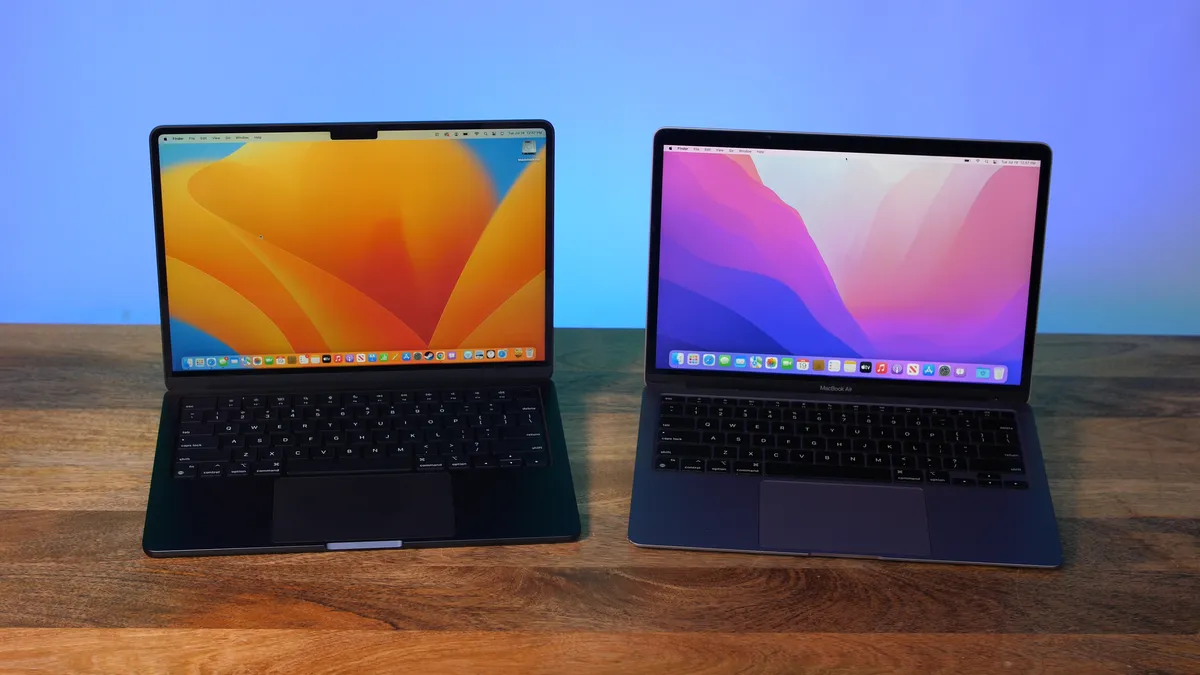
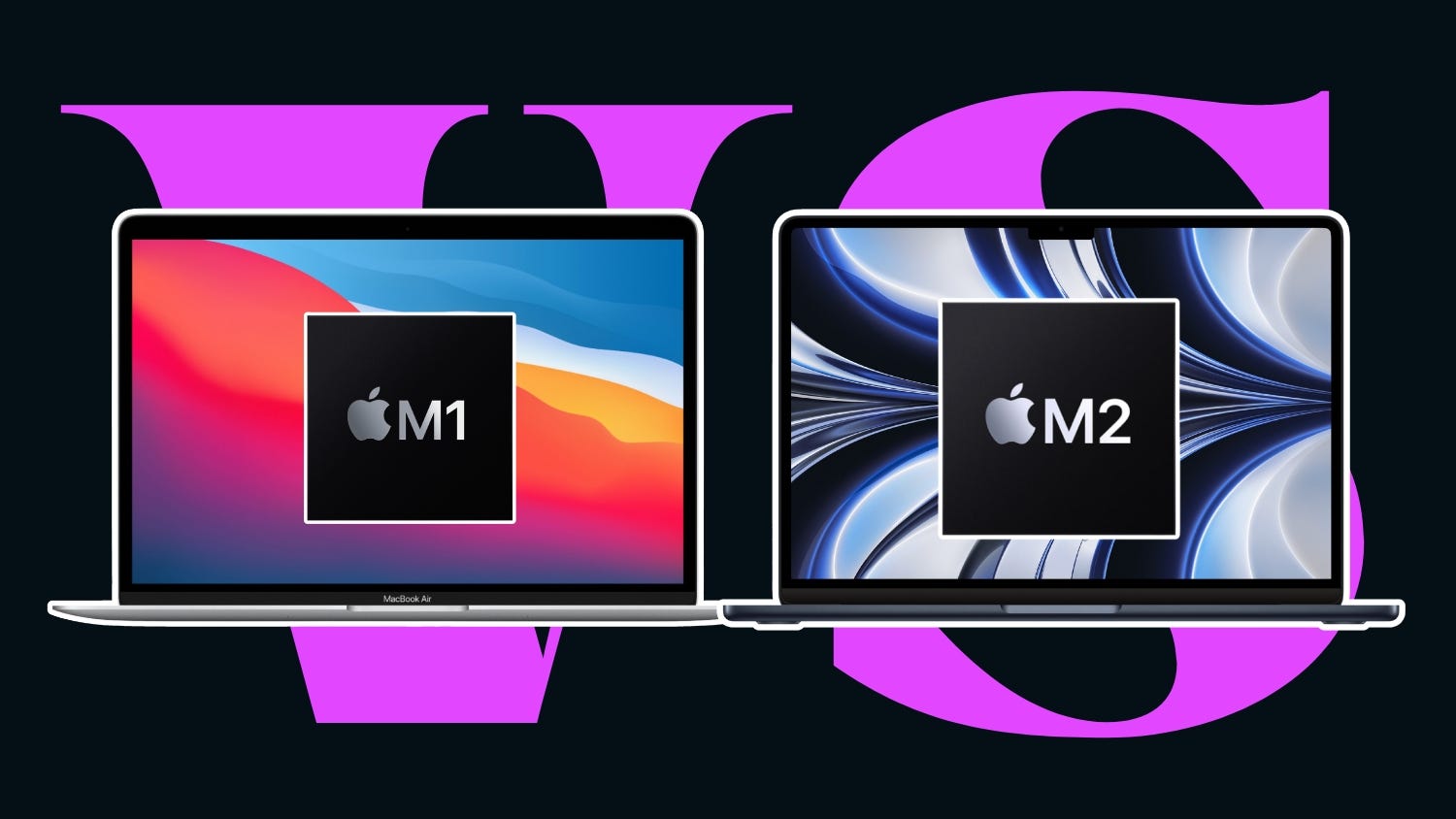
Apple has transformed the laptop industry with its custom-designed chips, the M1 and M2, powering MacBooks with exceptional performance and efficiency. For buyers, choosing between these two chips can be confusing. This article provides a clear, detailed comparison of the m1 chip vs m2, highlighting differences in CPU, GPU, memory, battery life, and real-world performance to help you make an informed decision.
Understanding the M1 Chip vs M2
What is the M1 Chip?
The M1 chip, launched in late 2020, marked Apple’s shift from Intel processors to its custom silicon. It integrates CPU, GPU, RAM, and Neural Engine into a single system-on-chip, improving speed and energy efficiency. The M1 is widely praised for:
- Efficient performance for everyday tasks
- Exceptional battery life for MacBooks
- Smooth multitasking and app handling
What is the M2 Chip?
Apple introduced the M2 chip in 2022 as the successor to the M1. The M2 builds upon the M1’s foundation, offering enhanced CPU and GPU capabilities, higher memory bandwidth, and better energy efficiency. Key features include:
- Faster CPU performance for demanding applications
- Enhanced GPU for creative work and gaming
- Support for larger RAM configurations for heavy multitasking
CPU Performance: M1 Chip vs M2
Single-Core vs Multi-Core Speed
The M1 chip features an 8-core CPU with four high-performance cores and four efficiency cores. This configuration allows MacBooks to handle everyday tasks smoothly while conserving energy.
The M2 chip, on the other hand, also has an 8-core CPU but features enhanced high-performance cores and efficiency cores. In real-world tests, the M2 delivers approximately 18% faster CPU performance than the M1, making it ideal for users who run resource-intensive applications like video editing or programming environments.
Real-World Example
For example, if a student uses a MacBook for coding projects and running virtual machines, an M2-powered MacBook can compile code faster and handle multiple virtual machines with less lag compared to an M1 MacBook.
GPU Performance: M1 Chip vs M2
Integrated Graphics Comparison
The M1 chip comes with either a 7-core or 8-core GPU, depending on the MacBook model. It provides smooth graphics for tasks like photo editing, video streaming, and light gaming.
The M2 chip boosts the GPU cores up to 10, offering better rendering and graphics performance. This enhancement is particularly useful for content creators, designers, and gamers who need high-quality visuals and faster rendering speeds.
Case Study: Video Editing
A content creator editing 4K video on a MacBook with M1 might experience occasional rendering delays when applying multiple effects. On an M2 MacBook, rendering is noticeably faster, reducing the wait time and improving workflow efficiency.
Memory and Storage: M1 Chip vs M2
RAM and Bandwidth Differences
M1 MacBooks support up to 16GB of unified RAM, while the M2 supports up to 24GB. The higher memory capacity and increased memory bandwidth in the M2 chip allow smoother multitasking and better handling of memory-intensive applications.
Storage Options
Both M1 and M2 MacBooks offer fast SSD storage options starting from 256GB to 2TB. The difference is that the M2’s enhanced memory system can make accessing large files faster, benefiting professionals who work with big datasets or high-resolution media files.
Battery Life: M1 Chip vs M2
Efficiency Improvements
The M1 chip is celebrated for its long-lasting battery, allowing up to 18 hours of video playback on certain MacBook models. The M2 chip, while slightly more powerful, maintains similar battery performance thanks to efficiency improvements in the CPU and GPU.
Practical Implications
For a traveler or student, this means both chips can handle a full day of use without frequent charging. However, the M2 provides better performance per watt, which can be advantageous when running demanding applications on battery power.
Design and Portability
The M1 and M2 MacBooks share similar lightweight and sleek designs. The main differences lie in internal components, so the choice of chip does not impact portability. Both chips ensure quiet operation without excessive heat, making them comfortable for daily use.
Price Considerations: M1 Chip vs M2
M1 MacBooks are generally more affordable due to their age, making them an excellent option for budget-conscious buyers. The M2 MacBooks, with upgraded performance, carry a higher price tag but provide better speed and future-proofing.
Which Chip is Worth Buying?
- Choose M1 if you want a cost-effective MacBook for everyday use, including web browsing, document editing, and media consumption.
- Choose M2 if you need extra performance for professional work, creative projects, or gaming, and are willing to invest in longer-term efficiency and speed.
Real-Life Scenarios: M1 Chip vs M2
Scenario 1: Student Life
A high school or college student using a MacBook for note-taking, research, and streaming video will likely find the M1 chip sufficient. Battery life and performance for routine applications are excellent.
Scenario 2: Professional Creative Work
A graphic designer or video editor working with multiple Adobe Creative Cloud apps will benefit from the M2 chip. The improved GPU, CPU, and memory support provide faster rendering and smoother multitasking, improving productivity.
Scenario 3: Travel and Remote Work
For frequent travelers, both chips offer lightweight designs and long battery life. However, the M2 chip may handle background processes and multiple apps more efficiently during travel, ensuring uninterrupted work.
Key Takeaways
- Performance: M2 is faster in CPU and GPU tasks than M1.
- Memory: M2 supports up to 24GB RAM vs M1’s 16GB.
- Battery: Both chips offer long-lasting battery life.
- Price: M1 is more affordable, M2 is future-proof and powerful.
- Use Cases: M1 is great for everyday tasks; M2 excels in professional and creative workflows.
Performance Differences in M1 Chip vs M2
CPU Improvements in M1 Chip vs M2
The m1 chip vs m2 comparison starts with CPU performance. While the M1 chip handles everyday tasks smoothly, the M2 chip delivers faster processing speeds, making it ideal for multitasking, coding, or editing large files. Users upgrading to M2 notice reduced lag and quicker app launches compared to the M1.
GPU Enhancements in M1 Chip vs M2
Graphics performance is another key factor in the m1 chip vs m2 debate. The M2 chip features more GPU cores than the M1, allowing smoother video editing, gaming, and design work. For creative professionals, the M2’s enhanced GPU offers a significant advantage over the M1.
Battery and Efficiency: M1 Chip vs M2
Energy Consumption of M1 Chip vs M2
The m1 chip vs m2 chips both focus on energy efficiency, but the M2 achieves slightly better performance per watt. Users can enjoy long battery life while running demanding applications, making it a reliable choice for work or travel.
Real-Life Battery Scenarios
In practical terms, comparing the m1 chip vs m2 shows that both chips can last through a full day of work or study. However, M2 MacBooks handle high-performance tasks more efficiently, keeping battery usage optimized even during heavy multitasking.
Memory and Storage Advantages
RAM and Multitasking in M1 Chip vs M2
A major point in the m1 chip vs m2 comparison is memory. The M2 supports up to 24GB of RAM, compared to 16GB on M1 models. This makes M2 better for running multiple apps simultaneously without slowing down performance.
Storage Access in M1 Chip vs M2
Both M1 and M2 MacBooks offer fast SSD storage, but the m1 chip vs m2 shows that M2’s improved memory bandwidth allows quicker access to large files and projects, benefiting professionals working with high-resolution media or complex datasets.
Suitability for Different Users
Students and Everyday Users
For students or casual users, the m1 chip vs m2 shows that the M1 chip provides more than enough speed and battery life for homework, streaming, and basic creative projects. It’s a cost-effective option without sacrificing reliability.
Professionals and Creatives
In contrast, the m1 chip vs m2 comparison favors the M2 for creative professionals. Designers, editors, and developers benefit from enhanced CPU and GPU performance, faster rendering, and smoother multitasking, making it the better investment for heavy workloads.
Pricing and Value Considerations
Cost Comparison of M1 Chip vs M2
The m1 chip vs m2 discussion often comes down to price. M1 MacBooks are more affordable, offering excellent performance for everyday users. M2 MacBooks are more expensive but justify the cost with superior performance and future-proofing.
Long-Term Value of M1 Chip vs M2
Considering long-term use, the m1 chip vs m2 shows that investing in an M2 MacBook can provide longer usability and support for future software updates, while M1 remains a strong option for budget-conscious buyers who don’t need the extra performance.
FAQs
What is the main difference between M1 and M2 chips?
The main difference lies in performance and efficiency. The M2 chip offers a faster CPU, enhanced GPU, and higher RAM support compared to the M1, making it better for demanding applications.
Should I upgrade from M1 to M2?
If your current MacBook with M1 handles all your tasks smoothly, an upgrade may not be necessary. However, if you require faster performance for creative work or professional applications, M2 is a worthwhile upgrade.
Which MacBook chip is better for students?
For most students, the M1 chip is sufficient. It offers excellent battery life, smooth performance for schoolwork, and is more budget-friendly. The M2 chip is ideal if you anticipate heavy multitasking or creative projects.
Conclusion
When deciding between the M1 chip vs M2, it ultimately depends on your needs and budget. The M1 chip provides excellent performance for everyday tasks and offers affordability, while the M2 chip delivers enhanced CPU, GPU, and memory performance for professionals and creators. By understanding the key differences in speed, graphics, memory, and battery life, buyers can confidently select the MacBook that best suits their lifestyle. Both chips mark Apple’s impressive innovation, ensuring a smooth and efficient computing experience. Ready for more? Visit our homepage for deeper content and new releases.