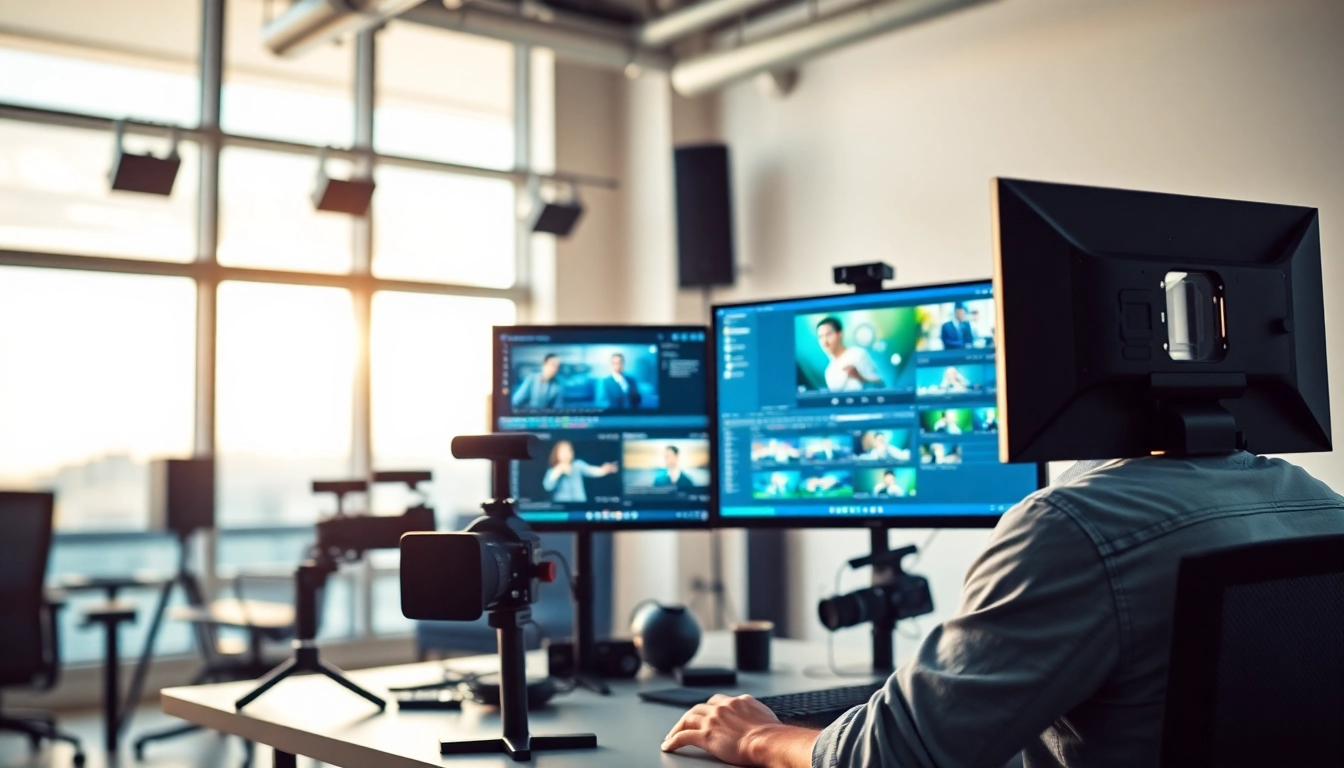
1. Understanding the Role of Professional Video Editors
In today’s digital landscape, the role of professional video editors has become increasingly vital. With the exponential growth of video content across platforms — be it for entertainment, marketing, or personal projects — these professionals play a pivotal role in transforming raw footage into compelling narratives that engage viewers. But what exactly does this role entail?
1.1 What Does a Professional Video Editor Do?
A professional video editor is responsible for assembling recorded raw material into a finished product that matches the director’s vision and meets the audience’s expectations. This process involves tasks such as selecting and editing footage, ensuring a smooth narrative flow, and adding effects, transitions, and sound to create a coherent final piece. Video editors work in various contexts, from film and television to corporate videos and online content.
1.2 Essential Skills for Professional Video Editors
To excel in this field, video editors need a combination of technical skills and creative sensibilities:
- Proficiency in Editing Software: Familiarity with industry-standard software such as Adobe Premiere Pro, Final Cut Pro, and DaVinci Resolve is crucial.
- Attention to Detail: A keen eye for detail helps ensure continuity and coherence in storytelling.
- Creative Vision: Editors need to understand how to enhance the narrative through pacing, timing, and visual composition.
- Collaboration and Communication: Working effectively with directors, producers, and sound designers is essential for a harmonious workflow.
1.3 Common Challenges Faced by Video Editors
Video editing comes with its unique set of challenges:
- Time Constraints: Tight deadlines can often lead to stress and impact the quality of the final product.
- Technical Issues: Software crashes or hardware failures can disrupt workflows, necessitating effective troubleshooting skills.
- Creative Block: Finding innovative ways to tell a story can sometimes become a daunting task, especially on projects with little direction.
2. The Best Tools for Professional Video Editors
For video editors to deliver the best results, they need the right tools. This section will explore the essential software and hardware they should have at their disposal.
2.1 Software Must-Haves: The Best Video Editing Software
The software a video editor chooses can significantly influence their workflow and output quality. Some industry favorites include:
- Adobe Premiere Pro: Renowned for its versatility and extensive features, it caters to both beginners and industry professionals.
- Final Cut Pro: Apple’s flagship editing software is perfect for Mac users and offers powerful editing capabilities.
- DaVinci Resolve: Known for its advanced color correcting tools, it has emerged as a go-to for professional video editing.
- HitFilm Express: A free tool that offers robust features for those starting, including special effects and compositing tools.
2.2 Hardware Essentials: Equipment for Efficiency
Alongside software, having the right hardware is critical:
- High-Performance Computer: A machine with a powerful processor and ample RAM can drastically reduce rendering and export times.
- Dual Monitors: Workflow efficiency can improve with a dual-monitor setup, allowing editors to view their timeline on one screen while monitoring details on another.
- External Hard Drives: For storage and backup, external hard drives become indispensable, especially when working with large video files.
2.3 Keeping Up with Trends: Tools for 2025
As technology evolves, video editing trends are changing. Some tools to watch for in 2025 include:
- AI-Based Editing Software: Tools that utilize artificial intelligence to streamline workflows and assist in color grading and scene recognition are becoming more popular.
- Cloud-Based Editing Platforms: These allow for seamless collaboration and editing from anywhere, fostering remote teamwork.
- Virtual Reality (VR) and Augmented Reality (AR) Editing Tools: With the rise of immersive content, editors are beginning to adopt software that offers specialized features for VR and AR production.
3. Pricing Services of Professional Video Editors
The cost of hiring a professional video editor can vary widely based on several factors, including experience level, project complexity, and geographical location.
3.1 Understanding Video Editing Rates
Video editing rates vary based on the type of work involved:
- Basic Editing: Often ranges from $1.25 to $10 per minute of edited footage.
- Professional Editing: More comprehensive work may cost between $10 to $50 per minute.
- Advanced Editing: Especially for high-end projects, costs can exceed $50 per minute.
3.2 Pricing Models for Freelancers vs. Agencies
Video editors typically work under one of two pricing models:
- Freelancers: Often charge hourly rates ranging from $15 to $150 based on experience. They may also offer fixed-rate packages for specific services.
- Agencies: Usually have higher rates given their overhead costs, but may provide a broader range of services, including project management and multi-editor teams.
3.3 How to Estimate Your Video Editing Budget
When preparing a budget for video editing services, consider the following steps:
- Define the Scope: Clearly outline your project requirements to get accurate quotes.
- Research Rates: Consult multiple editors or agencies to compare pricing structures and services offered.
- Allocate for Revisions: Include a buffer in your budget for potential revisions after initial edits.
4. Building a Portfolio as a Professional Video Editor
A standout portfolio is crucial for attracting clients and showcasing your abilities as a video editor. Here’s how to collect and present your work effectively.
4.1 Showcasing Your Work Effectively
The presentation of your work can significantly influence perceptions. Key tips include:
- Keen Selection: Choose projects that highlight your editing skills, creativity, and versatility.
- Focus on Quality: Ensure that each piece is polished, with clear sound and smooth transitions.
- Brief Explanations: Accompany each video with context about your role, the challenges faced, and the final result.
4.2 Essential Elements of a Strong Portfolio
A robust portfolio should include:
- Diversity of Projects: Include a range of works — narrative films, corporate videos, commercials, and other styles to showcase your adaptability.
- Testimonials: Client feedback can bolster your credibility and attract future clients.
- Contact Information: Make it simple for potential clients to reach out for inquiries or collaborations.
4.3 Leveraging Online Platforms for Exposure
Use online platforms to expand your visibility:
- Vimeo and YouTube: These platforms allow you to share your work widely and build a follower base.
- Social Media: Share snippets of your work on platforms like Instagram and Twitter to engage with broader audiences.
- Professional Networks: Utilize LinkedIn and industry-specific forums to connect with potential clients and collaborators.
5. Future Trends in Professional Video Editing
The landscape of video editing is evolving, and staying informed about trends can enhance career sustainability. Let’s explore what the future holds.
5.1 Rise of AI and Automation in Video Editing
As artificial intelligence continues to develop, its application in video editing is on the rise. AI can assist in automating repetitive tasks such as color correction, scene transitions, and tagging footage, which allows editors to focus on creative decisions.
5.2 The Impact of Streaming Services on Video Editing Careers
With streaming platforms increasing their content output, the demand for skilled video editors is set to rise. Video editors may find themselves working on diverse projects that require rapid turnaround times, leading to more opportunities for freelance and contract work.
5.3 Adapting to New Formats and Audiences
The rise of vertical video formats and immersive experiences (e.g., VR/AR) is reshaping traditional editing practices. Editors will need to adapt their techniques to meet the expectations of audiences who consume media across various platforms and devices.